Browse the docs
Self-hosting
Isolated mode and allowed hosts
What an isolated Crunu server refuses to contact, how to allow hosts with OUTBOUND_ALLOW, where the mode shows, and how to block it at the network level.
Last updated
On this page
In isolated mode the Crunu server makes no outgoing connections, except to the hosts you list. The on-premises installer turns it on: a new install reaches nothing outside itself until you decide otherwise. The internet is optional, and so is every other host.
Available from Crunu 6.3.0, for Docker Compose and a Node.js server of your own. The cloud platforms don't offer it.
What the server could contact
The server is blind by design, so it has little reason to talk to anyone. There are four kinds of outgoing request in its code, and each one passes the same filter:
| Request | On a connected install | In isolated mode |
|---|---|---|
| Agent releases | the release directory | served by the server itself from /releases/ |
| Alert email | Resend, api.resend.com | refused unless the host is allowed |
| Webhooks | any receiver you add | only allowed hosts |
| CI sign-in keys (OIDC) | the CI provider's issuer | only allowed hosts |
A request to a host that isn't allowed is refused before any network activity. The server logs it once per purpose and host. A webhook to such a host fails with:
The webhook receiver: the server runs in isolated mode and does not connect to <host> — the server operator can allow this host in OUTBOUND_ALLOWAllow the hosts you need
Add a line to deploy/.env of the bundle and run the installer with the settings named, so it accepts your edit:
OUTBOUND_ALLOW=hooks.kiteline.example,*.ci.kiteline.examplesh install.sh --env-file deploy/.env- Hosts are separated by commas.
*.ci.kiteline.examplematches every subdomain ofci.kiteline.example, not the name itself. - IPv4 and IPv6 addresses work; IPv6 may be written with or without brackets.
- Don't add a scheme, a port or a path. Names are compared without the port.
- Write an international name in its ASCII form (
xn--…). The server refuses the Unicode form and shows the ASCII one.
Hosts of the internet can go on the list too. For alert email, add api.resend.com and set RESEND_API_KEY. With the key set and the host missing, the server doesn't start and says why.
Webhooks to names of a company network, such as one-label names, .lan, .local, .internal and .corp, are accepted only in isolated mode, for a host on the list. Loopback names and cloud metadata addresses are never accepted.
Where the mode shows
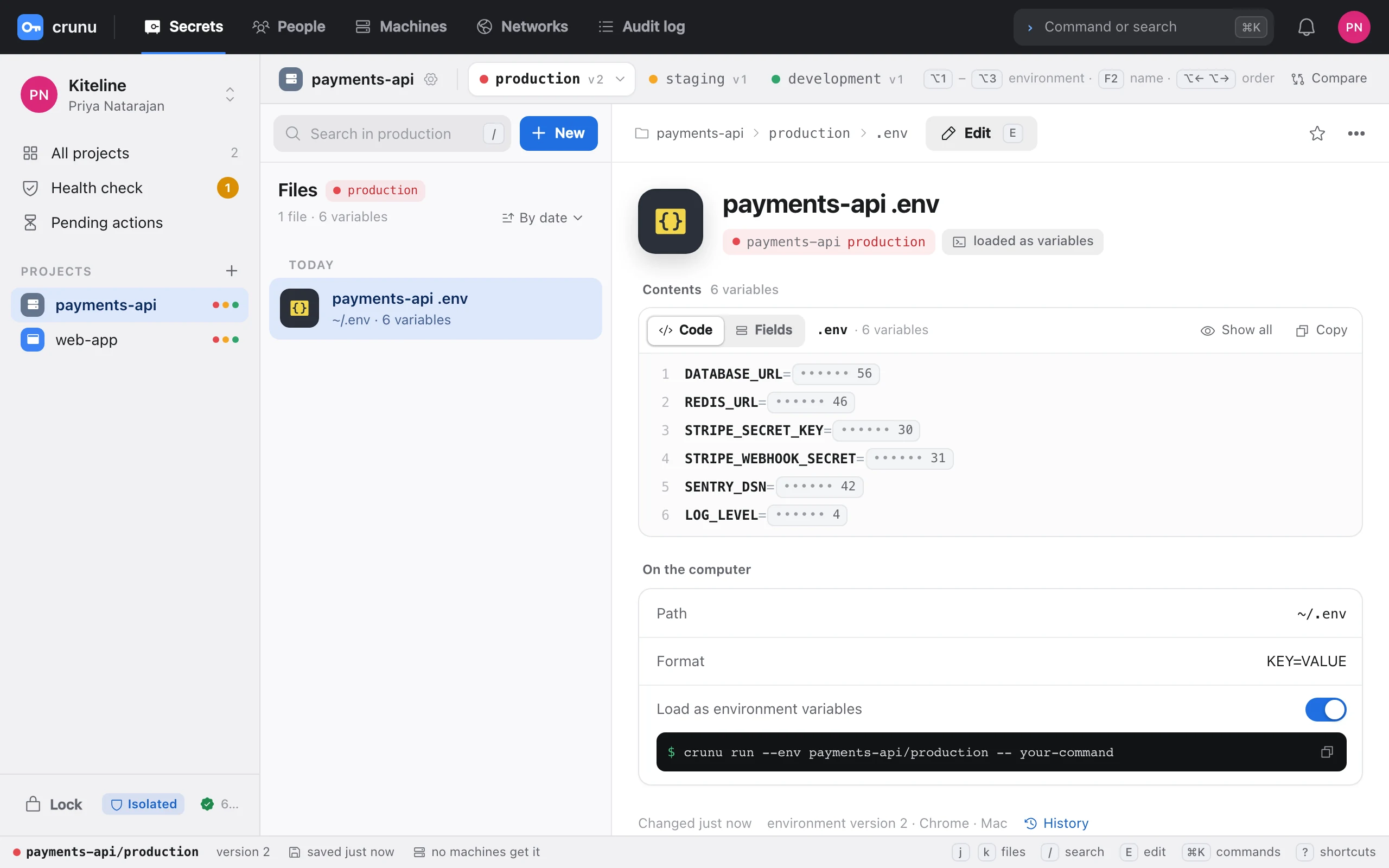
- The web app marks the server Isolated in the sidebar and on the sign-in screens. The welcome screen of a new server says “isolated mode — connects to no outside services”.
- The server log at start says
isolated: on — no outgoing requests, oron — outgoing requests only to …with the list. /v2/metaanswers"isolated": true. It doesn't publish the list.- The Isolated mode line of
doctorsayson — outgoing requests go only to the hosts in OUTBOUND_ALLOW. It fails when the server would download agent releases from a host that isn't allowed, because the install command in the web app wouldn't work.
node server/tools.mjs doctor https://vault.kiteline.exampleA hard block at the network level
Isolated mode is a guarantee of the server's own code: it never addresses a host outside the list. The Docker network of the install is an ordinary bridge, and Docker doesn't stop a container from reaching outside. For a guarantee at the network level, add a firewall rule on the host. An example for Linux with iptables, where 10.0.0.0/8 stands for your network:
SUBNET=$(docker network inspect crunu_default --format '{{(index .IPAM.Config 0).Subnet}}')
LAN=10.0.0.0/8
sudo iptables -I DOCKER-USER -s "$SUBNET" -j DROP
sudo iptables -I DOCKER-USER -s "$SUBNET" -d "$LAN" -j RETURN
sudo iptables -I DOCKER-USER -s "$SUBNET" -d "$SUBNET" -j RETURN
sudo iptables -I DOCKER-USER -s "$SUBNET" -m conntrack --ctstate ESTABLISHED,RELATED -j RETURN
The rules let the containers answer requests, talk to each other and reach your network, and drop everything else they start. Make them permanent the way your distribution keeps iptables rules, and check them after every change of the Docker network: a new install may get another subnet.
Alerts without email
The web app shows every alert. Outside the web app, alerts go to webhook receivers in your network that are on the list. Alert email works only through Resend, a service on the internet: allow it, or rely on webhooks. Email through a mail server of your own network isn't in this release.
CI sign-in
A CI binding with OIDC works only with an issuer the server can reach: a CI system inside your network, on the list, with its certificate trusted through CA_FILE. The issuers of cloud CI services are on the internet, so an isolated server refuses them unless you allow their host. A service token works without any outgoing request. See Machines and CI in your network.